
Client Update Management System
A professional, enterprise-level Django application for managing website updates and client communications. Built with a clean, light green design theme and full bilingual support (English/Arabic).
Screenshots (5)
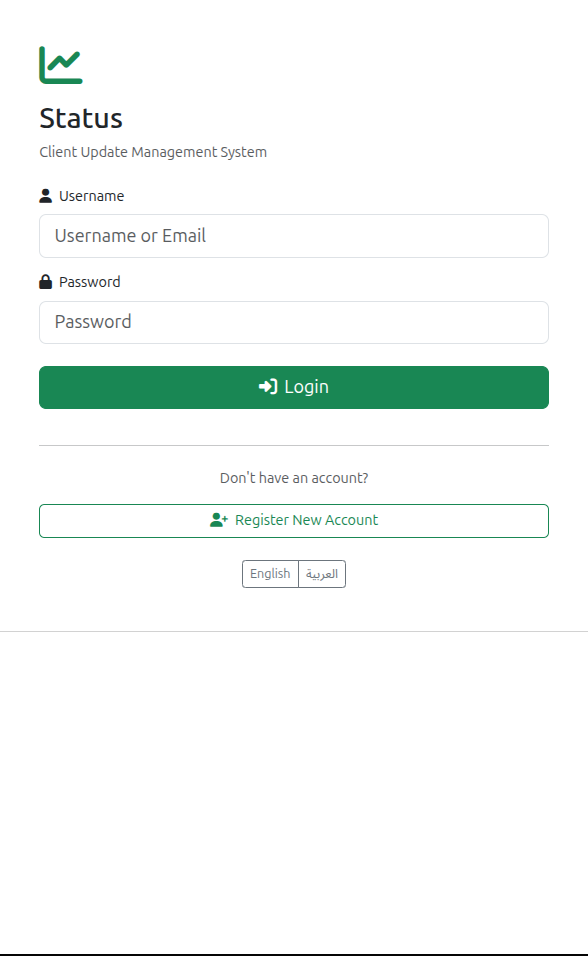
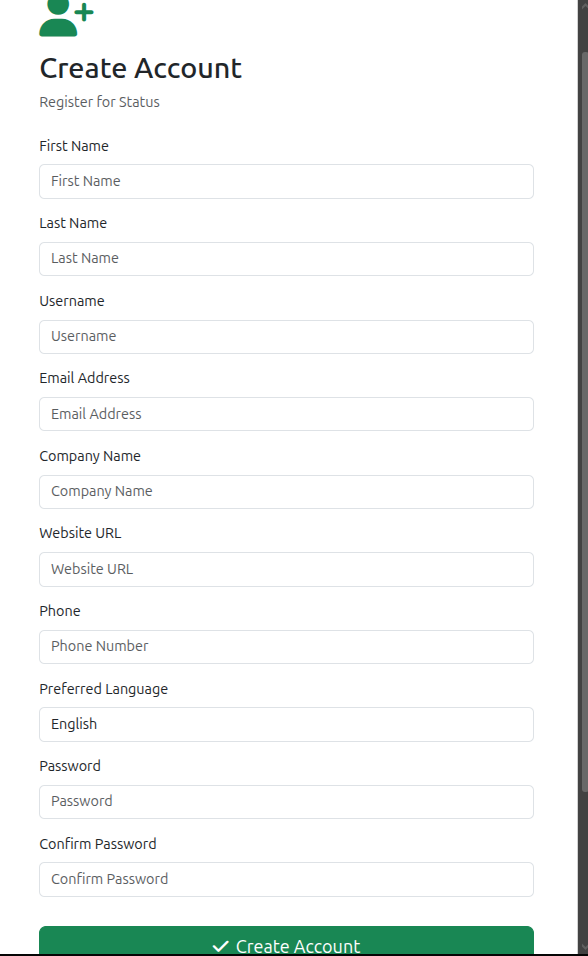
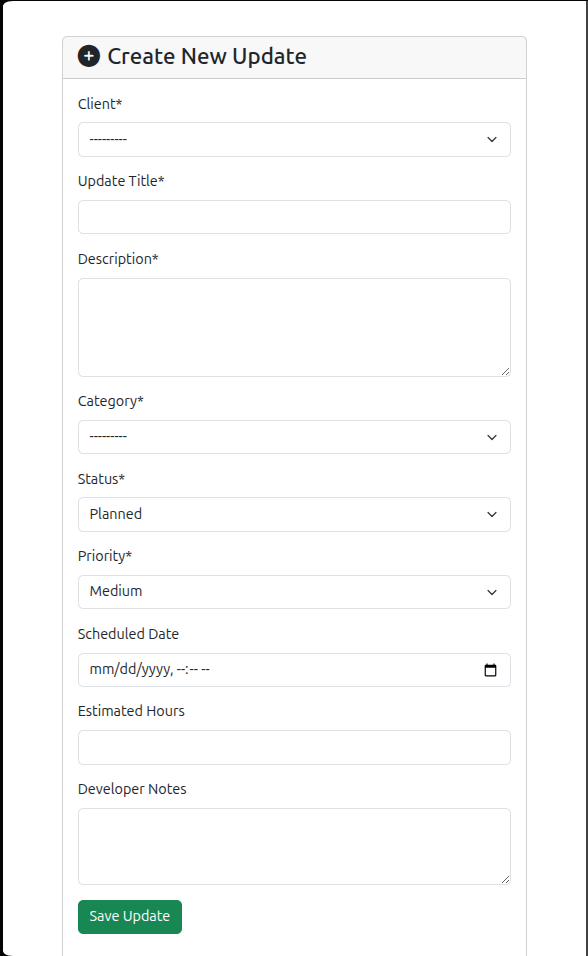
About This Project
Features
For Clients
- Dashboard: Overview of all updates and requests
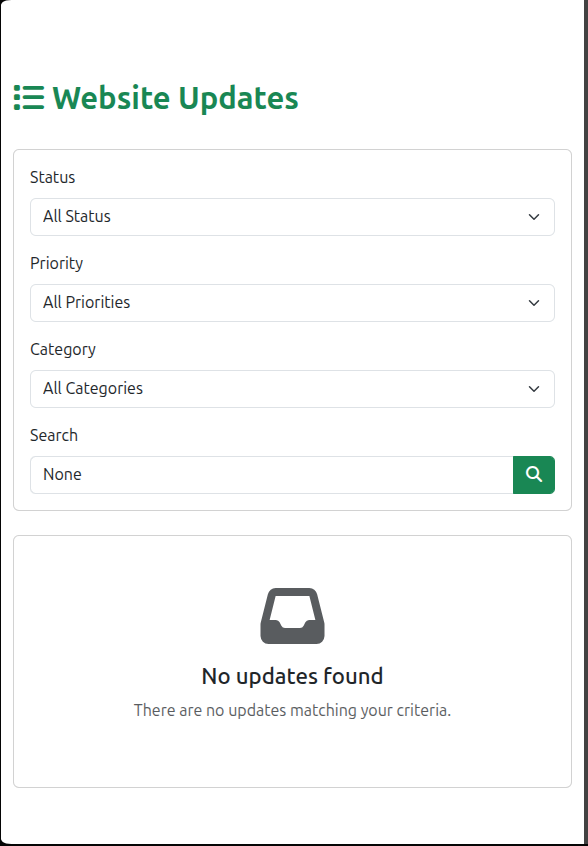
- View Updates: See all website updates with filtering by status, priority, and category
- Update History: Complete history of all changes made to the website
- Request Updates: Submit new update requests with priority levels
- Comments: Communicate with developers through update comments
- Notifications: Real-time notifications for update status changes
- Profile Management: Manage company information and language preferences
- Bilingual Support: Switch between English and Arabic seamlessly
For Administrators/Developers
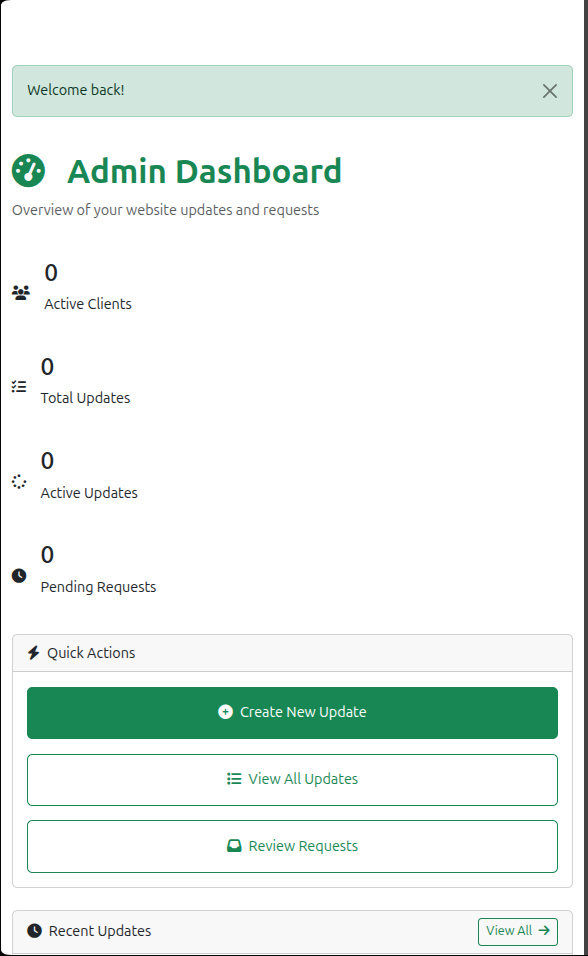
- Admin Dashboard: Comprehensive overview of all clients and updates
- Client Management: Manage client accounts and profiles
- Update Management: Create, edit, and track website updates
- Request Review: Review and approve/reject client requests
- Status Tracking: Monitor update progress from planning to completion
- Time Tracking: Track estimated vs actual hours for updates
- Internal Notes: Add developer-only notes for internal communication
- Category Management: Organize updates by categories (Feature, Bug Fix, Security, etc.)
- Priority Levels: Assign priority levels (Low, Medium, High, Critical)
- Analytics: View statistics and insights on the dashboard
Design
The application features a professional, clean design with:
- Color Scheme: Light green theme (#28a745 primary)
- Responsive Layout: Works perfectly on desktop, tablet, and mobile devices
- Modern UI: Built with Bootstrap 5 and custom CSS
- RTL Support: Full right-to-left support for Arabic language
- Accessibility: WCAG compliant with proper contrast ratios
- Clean Cards: Shadow effects and hover animations
- Icons: Font Awesome icons throughout the interface
Technology Stack
- Backend: Django 5.2.7
- Frontend: Bootstrap 5, HTML5, CSS3
- Database: SQLite (easily upgradeable to PostgreSQL/MySQL)
- Forms: django-crispy-forms with Bootstrap 5
- Icons: Font Awesome 6.4.0
- Image Processing: Pillow
- API: Django REST Framework (for future API endpoints)
Installation
-
Activate Virtual Environment:
source env/bin/activate
2- Install Dependencies:
pip install -r requirements.txt
3- Set-up Migrations:
python manage.py makemigrations
python manage.py migrate
4- Create Static Files Directory:
python manage.py collectstatic --noinput
5- Create Super Admin Account
python manage.py createsuperuser
Running the Application
-
Start the Development Server:
python manage.py runserver
-
Access the Application:
- URL: http://127.0.0.1:8000/
- Admin Panel: http://127.0.0.1:8000/admin
________________________________________
Project Structure
status/
├── executive_status/          # Main application
│   ├── models.py             # Database models
│   ├── views.py              # View functions
│   ├── forms.py              # Form classes
│   ├── admin.py              # Admin configuration
│   ├── urls.py               # URL routing
│   └── management/           # Management commands
│       └── commands/
│           └── setup_initial_data.py
├── templates/                 # HTML templates
│   └── executive_status/
│       ├── base.html         # Base template
│       ├── login.html        # Login page
│       ├── register.html     # Registration page
│       ├── dashboard.html    # Dashboard
│       ├── update_list.html  # Updates listing
│       ├── update_detail.html # Update details
│       ├── request_*.html    # Request templates
│       └── ...
├── static/                    # Static files
│   ├── css/
│   │   └── style.css         # Custom styles
│   └── js/
├── media/                     # User uploads
├── locale/                    # Translation files
└── manage.py                  # Django management script
Models
ClientProfile
- Extended user profile for clients
- Company information, logo, website URL
- Language preferences
UpdateCategory
- Categories like Feature, Bug Fix, Security, etc.
- Bilingual names (English/Arabic)
- Custom color codes and icons
WebsiteUpdate
- Main update tracking model
- Status: Planned, In Progress, Completed, On Hold
- Priority: Low, Medium, High, Critical
- Time tracking (estimated and actual hours)
- Date tracking (created, scheduled, completed)
UpdateRequest
- Client-submitted update requests
- Status: Pending, Approved, Rejected, Implemented
- Review workflow for admins
UpdateComment
- Comments on updates
- Internal notes (staff-only)
- Communication between clients and developers
UpdateAttachment
- File attachments for updates
- Screenshots, documents, etc.
Notification
- System notifications
- Update status changes
- Request reviews
Key Features Explained
Bilingual Support (English/Arabic)
- Django's internationalization framework
- Session-based language switching
- RTL layout for Arabic
- User preference storage
Update Workflow
- Planning: Developer creates update with scheduled date
- In Progress: Work begins on the update
- Completed: Update is finished and deployed
- On Hold: Update is temporarily paused
Request Workflow
- Client Submits: Client creates update request
- Pending Review: Admin reviews the request
- Approved/Rejected: Admin makes decision
- Implemented: If approved, converted to update
Notification System
- Automatic notifications for:
- New updates created
- Status changes
- Request reviews
- New comments
- Unread badge counter
- Mark all as read functionality
Customization
Colors
Edit static/css/style.css and modify the CSS variables:
:root {
    --primary-green: #28a745;
    --dark-green: #1e7e34;
    --light-green: #d4edda;
    /* ... */
}
Translation
Generate translation files:
python manage.py makemessages -l ar
python manage.py compilemessages
Production Deployment
Security Settings (settings.py)
DEBUG = False
ALLOWED_HOSTS = ['yourdomain.com']
SECRET_KEY = 'your-secret-key-here'  # Change this!
Database
Switch to PostgreSQL for production:
DATABASES = {
    'default': {
        'ENGINE': 'django.db.backends.postgresql',
        'NAME': 'status_db',
        'USER': 'status_user',
        'PASSWORD': 'your-password',
        'HOST': 'localhost',
        'PORT': '5432',
    }
}
Static Files
python manage.py collectstatic
Web Server
Use Gunicorn + Nginx for production deployment.
API Endpoints (Future Enhancement)
The project includes Django REST Framework for future API development:
/api/updates/- List and create updates/api/requests/- List and create requests/api/notifications/- User notifications
_________________________________________
Good Luck! I have tried my best to include all the usefull steps. Thanks.