


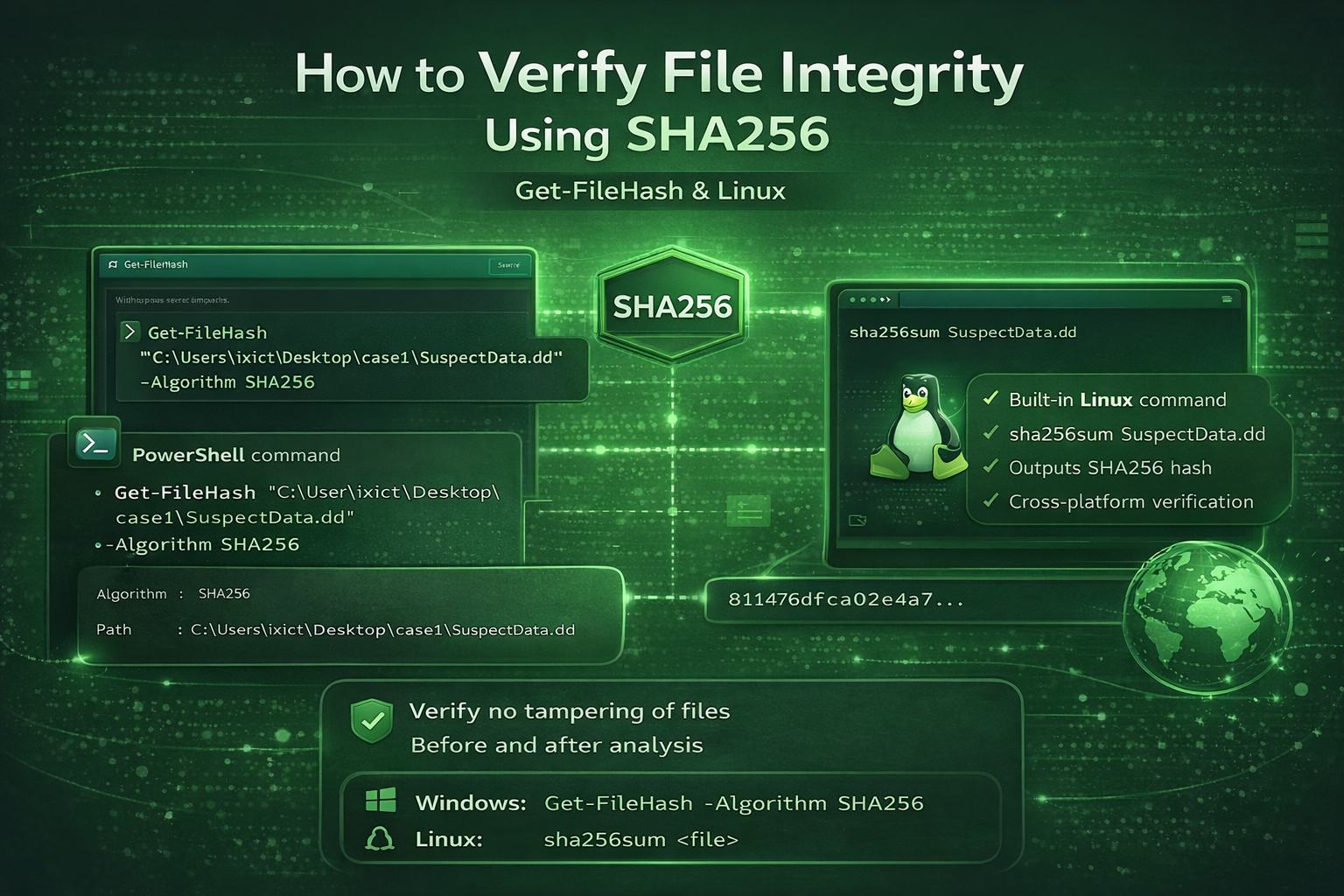
How to Verify File Integrity Using SHA256
Verifying file integrity is a critical process in cybersecurity and digital forensics. SHA256 hashing ensures that a file has not been altered, tampered with, or corrupted during transfer or analysis.
This guide explains how to calculate SHA256 hashes on both Windows and Linux systems
What Is SHA256?
SHA256 is a cryptographic hash algorithm that generates a unique fixed-length hash value for a file.
Any change to the file — even a single byte — results in a completely different hash.
Step 1: Verify File Integrity on Windows (Get-FileHash)
Use the following PowerShell command:
Get-FileHash "C:\Users\Your_Account\Desktop\case1\SuspectData.dd" -Algorithm SHA256
Explanation:
Get-FileHash → Calculates the file hash
SuspectData.dd → Evidence or disk image file
Algorithm SHA256 → Secure hashing algorithm
Output Example
Algorithm : SHA256
Hash      : 3F2A9C4E8B5D7A1F...
Path      : C:\Users\Your Account\Desktop\case1\SuspectData.dd
If the hash value changes, the file integrity has been compromised.
Step 2: Verify File Integrity on Linux (sha256sum)
Linux provides a built-in command:
sha256sum SuspectData.dd
Or with a full path:
sha256sum /home/user/case1/SuspectData.dd
Linux Output Example
3f2a9c4e8b5d7a1f... SuspectData.dd
✔ Same concept
✔ Same security level
✔ Cross-platform verification
Why SHA256 Is Important in Digital Forensics
-
Ensures evidence integrity
-
Maintains chain of custody
-
Required in forensic reports
-
Accepted in legal investigations
Hashes must be calculated before and after analysis to confirm that evidence remains unchanged.
Security Notes
-
Never analyze evidence without hashing first
-
Always document hash values in reports
-
Matching hashes = trusted evidence
-
Different hashes = file modification
Discussion 1
what a useful contents , Thank you
Leave a Comment